
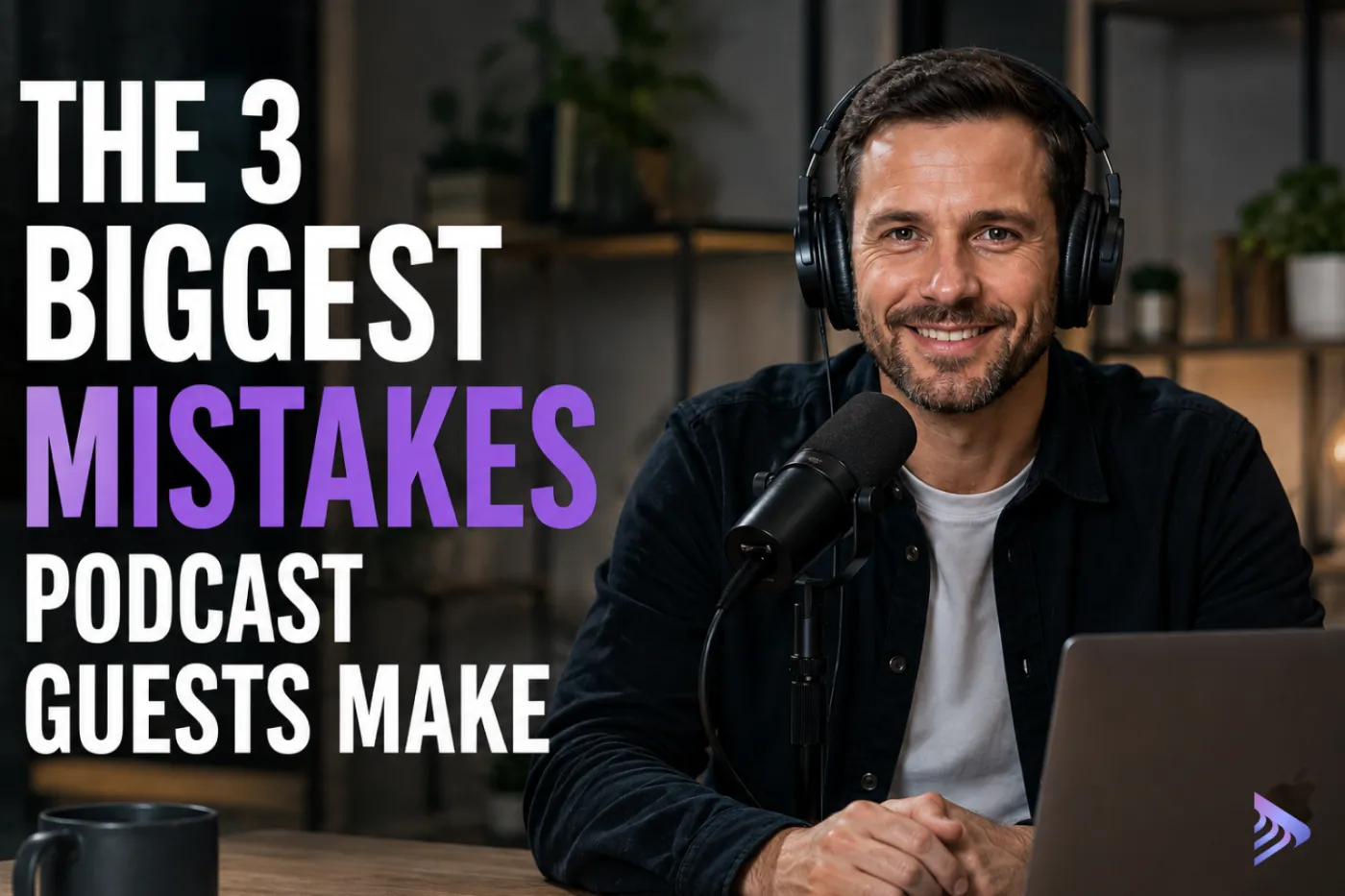
A great podcast interview doesn't start when someone presses Record. It starts with the setup.
After producing hundreds of remote podcast interviews, we've noticed the same three mistakes appear again and again. The surprising part? Most guests have no idea they're making them.
The good news is that they're all incredibly easy to avoid.
Whether you're recording through Zoom, Riverside, or a professional remote podcast recording platform, these simple changes can dramatically improve your audio and video quality—and make life much easier for your podcast editor.
1. Don't Use Wireless Earbuds as Your Microphone
This is by far the biggest mistake we see.
Many podcast guests assume their AirPods or Bluetooth earbuds are producing excellent audio because they sound great during video calls.
Unfortunately, podcast recording works very differently.
Wireless earbuds process your voice before it's recorded using:
- Noise suppression
- Echo cancellation
- Automatic gain control
- Voice enhancement
- Compression
These features are designed for meetings and not professional podcast production.
Once your voice has been heavily processed, it can't be restored to its natural sound. Even the best podcast editing software can't recover detail that has already been removed.
The result is often a thin, metallic or compressed voice that instantly makes the interview sound less professional.
What if you don't own a microphone?
The solution is surprisingly simple.
Keep your earbuds connected so you can hear the host, but switch the microphone input inside your recording platform to your laptop's built-in microphone.
Most remote podcast recording platforms let you choose your microphone independently from your headphones.
Although your laptop microphone may capture a little more room ambience, it records your natural voice, giving your editor far more flexibility to produce excellent results.
A surprisingly good budget option
If portability matters, wired earphones with an inline microphone are often an excellent choice.
Because the microphone sits close to your mouth, they frequently outperform Bluetooth earbuds. Just make sure the cable isn't rubbing against your clothing during the recording.
2. Avoid Virtual Backgrounds
Virtual backgrounds seem like an easy solution for hiding a messy room.
In reality, they're one of the quickest ways to make your podcast look less professional.
They often introduce:
- Blurry edges
- Flickering around hair
- Artificial-looking video
- Compression artefacts
- Lower overall image quality
Most viewers immediately recognise that the background isn't real.
Even if they can't explain why, the interview simply feels less polished.
Virtual backgrounds also remove creative flexibility during editing. Once they've been baked into the recording, they can't be cleanly removed or replaced.
Instead, keep your real background.
A tidy room with good natural light almost always looks more professional than an artificial one.
If privacy is a concern, a slight background blur is usually a much better option.
3. Raise Your Laptop
Camera angle makes a huge difference.
Most guests simply place their laptop flat on the desk.
The result?
The camera points upwards, creating an angle that immediately feels less professional.
Instead, raise your laptop so the camera sits roughly at eye level.
A laptop stand is ideal, but a few books work just as well.
Aim for:
- Eye-level camera
- About an arm's length from your face
- Eyes roughly one-third from the top of the frame
- A small amount of space above your head
It's one of the quickest ways to make a remote podcast interview look significantly more polished.
Great Podcast Editing Starts With a Great Recording
Professional podcast editing can do a lot.
We can improve audio, enhance video quality, colour grade footage, remove mistakes, add graphics, tighten pacing, and create engaging clips for social media.
But there are some things no editor can fix.
Once audio has been heavily processed or a virtual background has been baked into the recording, much of that information is simply gone.
That's why we spend a few minutes helping every guest prepare before recording.
At Clear-Cut Podcasting, our remote podcast recording studio captures high-quality local audio and video from every participant, making it much easier to produce professional podcast episodes, YouTube videos, Shorts, Reels and social media content.
If you're looking for a better way to record a remote podcast, or want to make remote interviews feel as polished as an in-person studio recording - we'd love to show you how it works.